
Partners
Get same-day settlement for GrabMerchant sales with Superbank
Now, Grab partners using a Superbank account on GrabMerchant can settle from GrabFood sales twice a day with the following schedule:
| GrabFood Order | Settlement Schedule |
|---|---|
| 00:00 - 15:59 WIB | Fund will be settled on the same day, max. at the end of the day |
| 16:00 - 23:59 | Fund will be settled on the next day at 06:00 - 10:00 WIB |
Follow these steps to link your Superbank account to GrabMerchant:
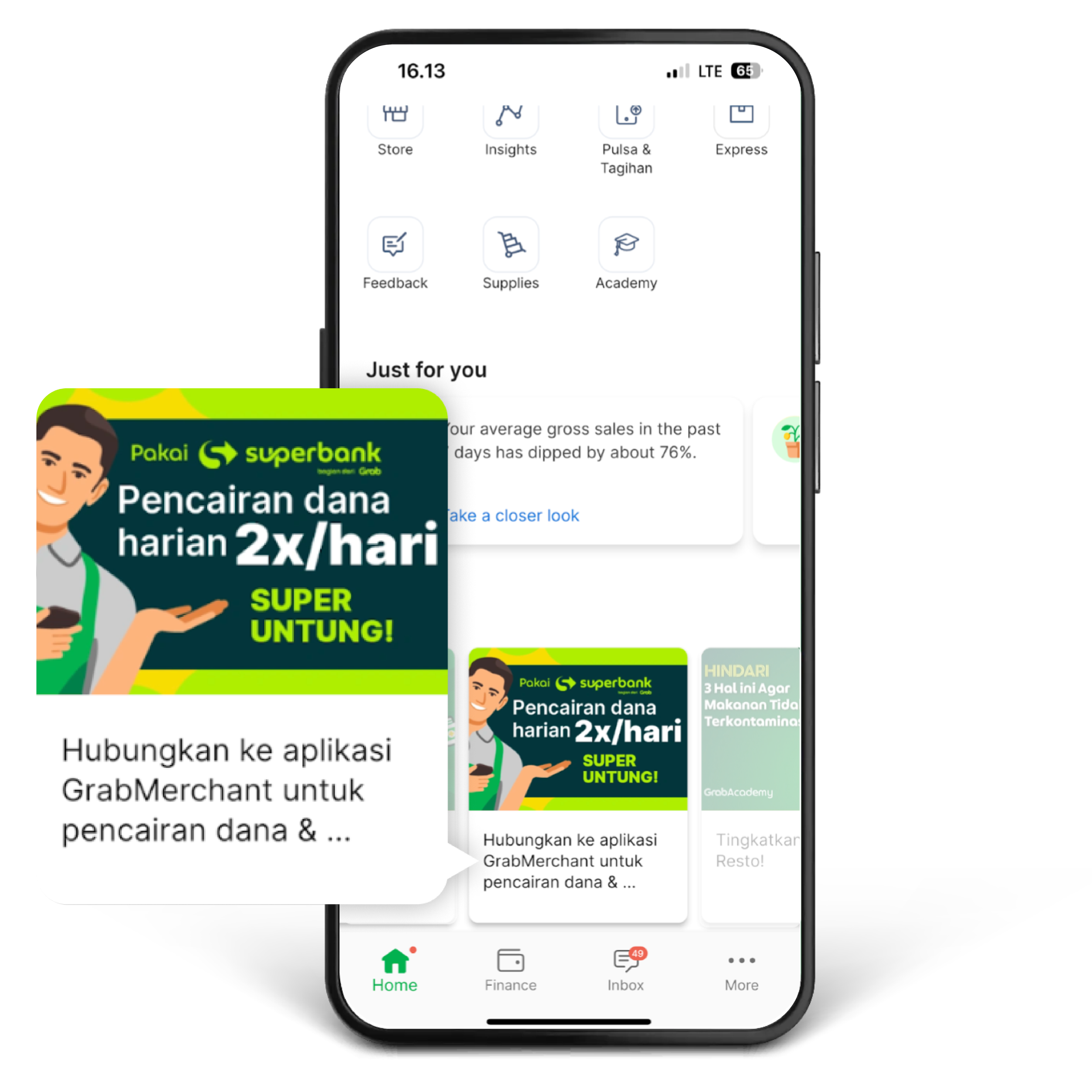
1. Click the Superbank banner on the GrabMerchant “Home” page.
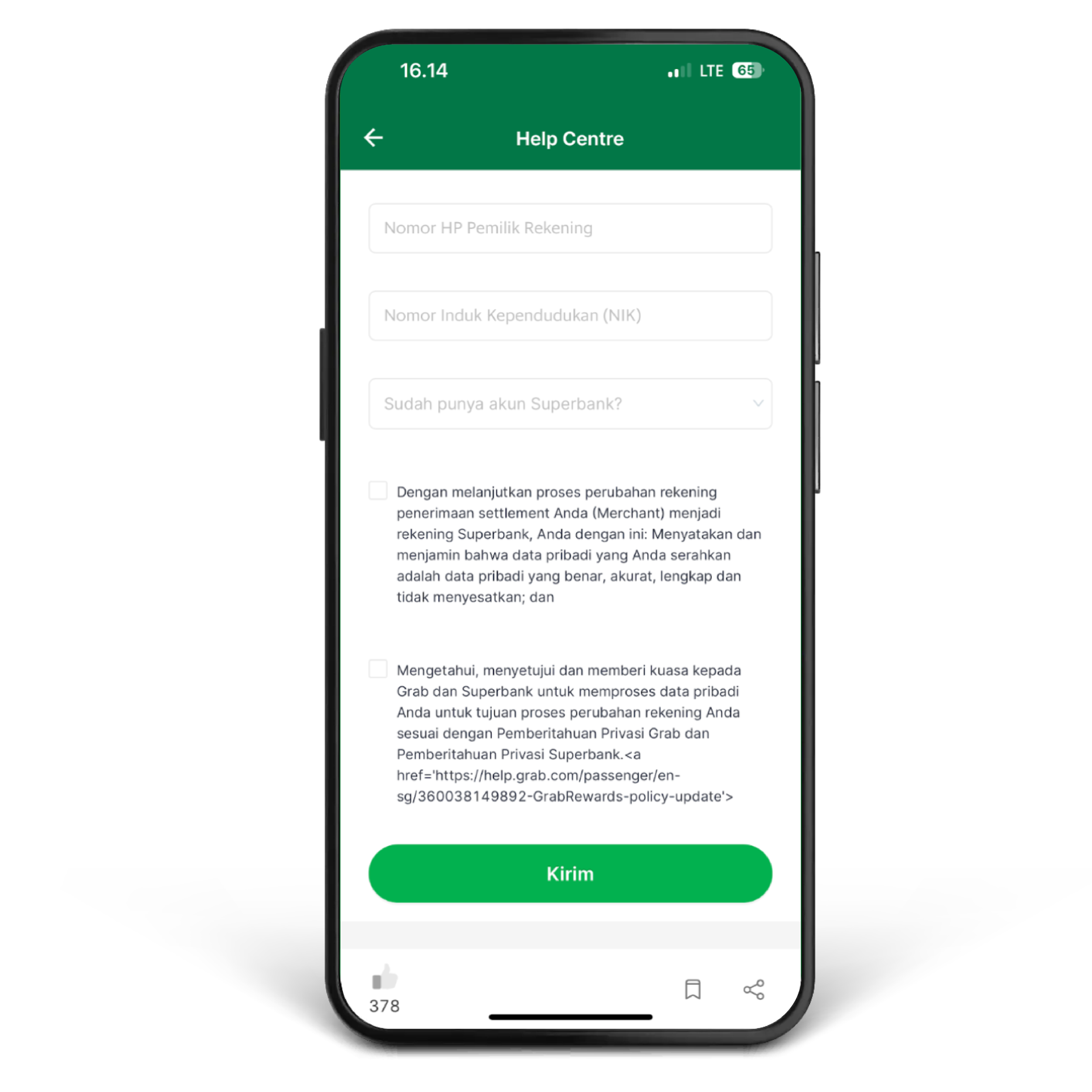
2. Fill in all required information, then click “Send”.
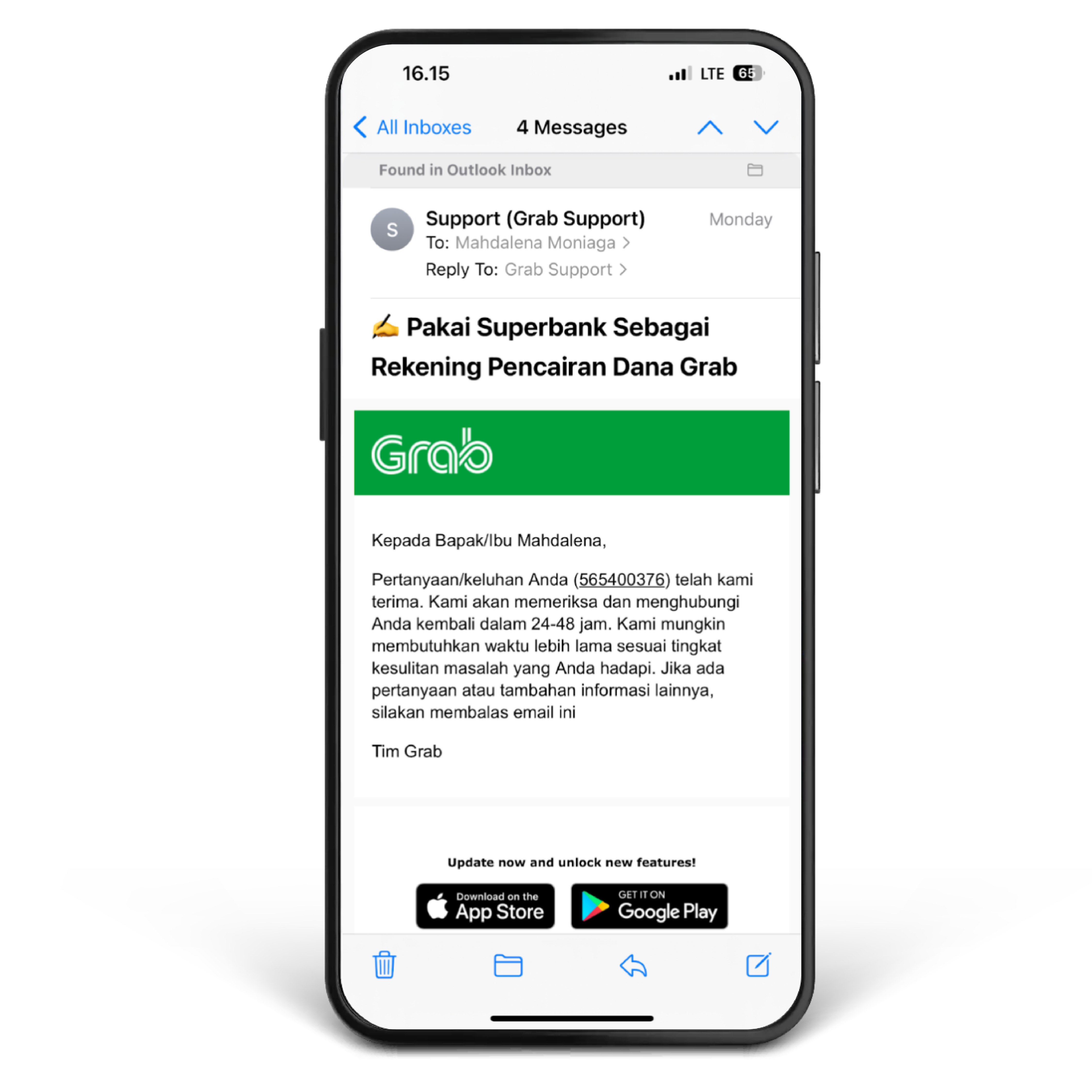
3. You will get an email response if your request has been sent. You will be asked to download the Superbank app and register an account if you haven’t had one yet.
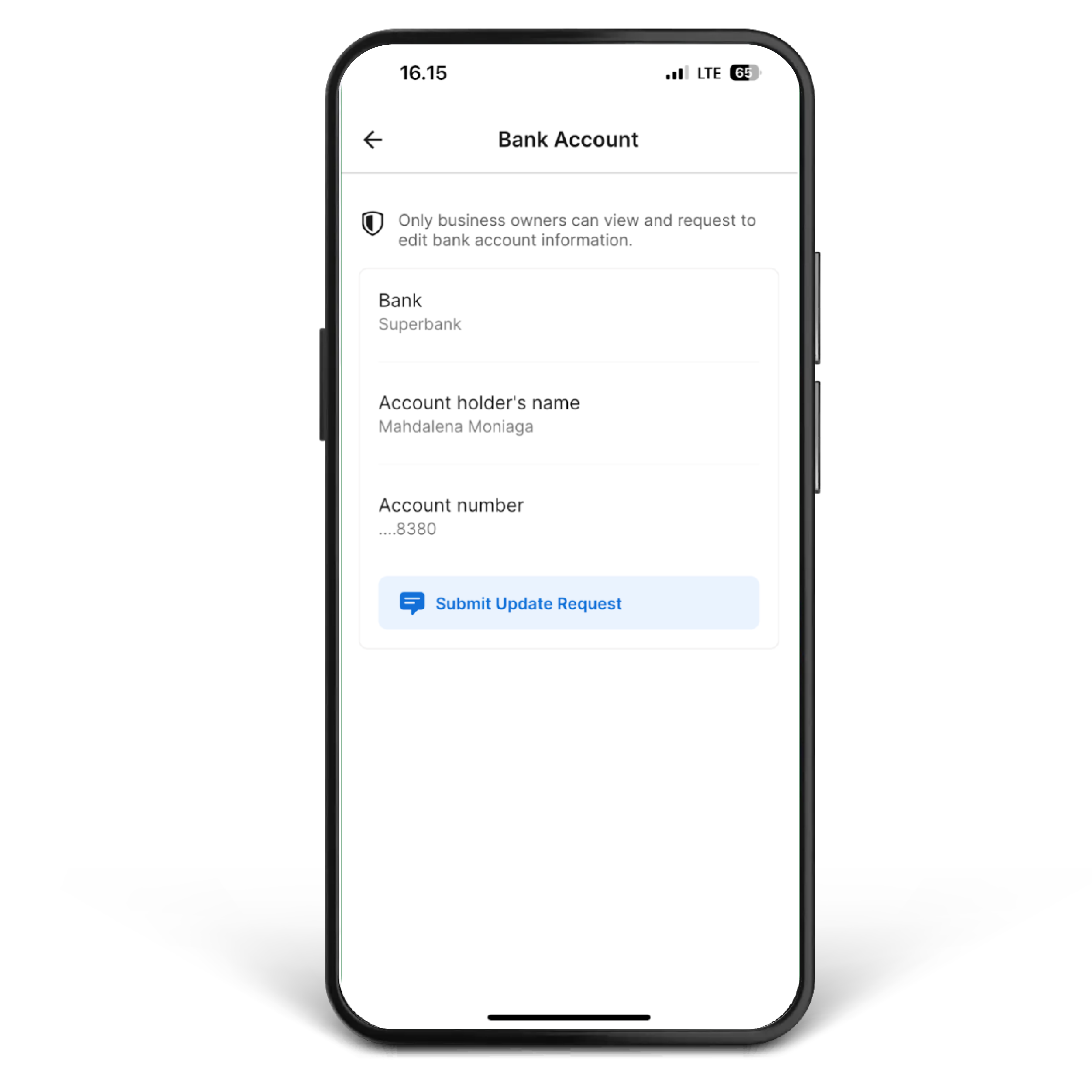
4. Your Superbank account will be automatically used as your GrabMerchant bank account in 3x24 hours after your request is accepted.
Note: If you have any further questions or encounter issues regarding account changes, please reach out to the Help Center within the GrabMerchant app.

Frequently asked questions
Same-day settlement is an exclusive feature for GrabMerchants who have successfully linked a Superbank account as their settlement method. Sales funds from transactions on GrabMerchant will be settled directly to your Superbank account twice on the same day as the transaction occurs.
Sales funds will be automatically available in your account immediately according to the following scheme:
| GrabFood Order | Settlement Schedule |
|---|---|
| 00:00 - 15:59 WIB | Fund will be settled on the same day, max. at the end of the day |
| 16:00 - 23:59 | Fund will be settled on the next day at 06:00 - 10:00 WIB |
- Individual GrabMerchant Partner (non PT or non CV).
- GrabMerchant Partners who have opened account via Superbank app